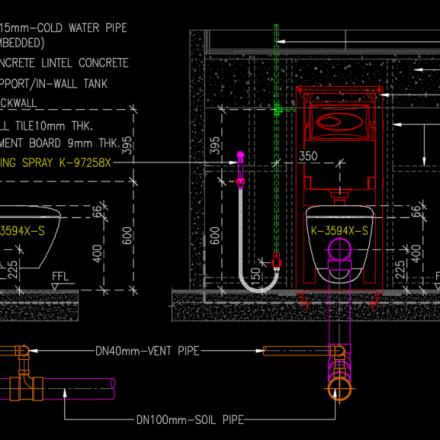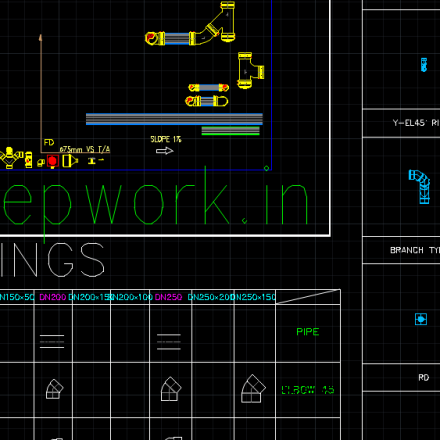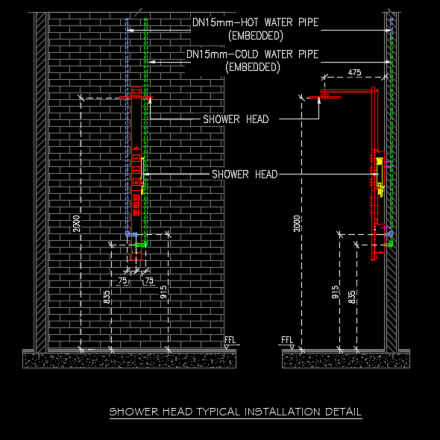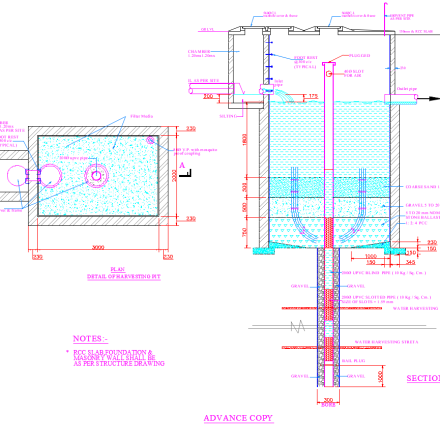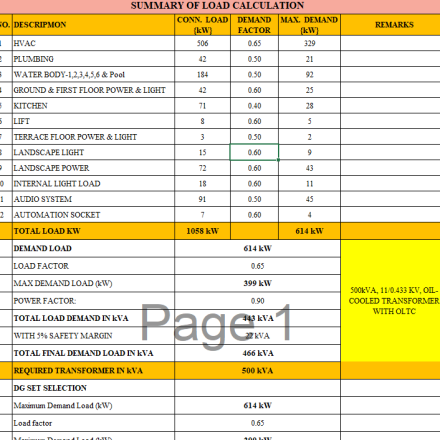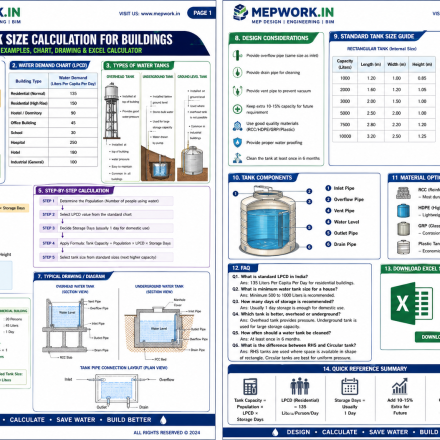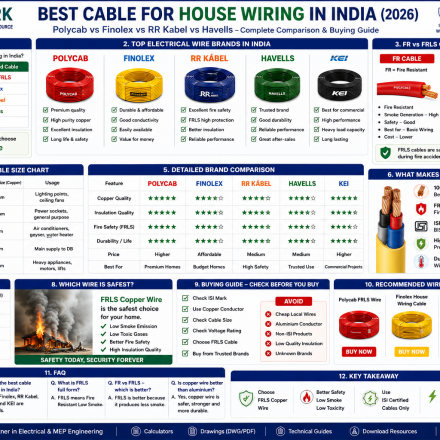









If you’re an MEP engineer, architect, or contractor, choosing the right CAD software is critical. Today, many AutoCAD Alternatives -compatible software solutions offer full DWG support, lower cost, and high performance.
👉 In this guide, you’ll find the latest CAD software (updated to 2026) along with their official websites for download and verification.
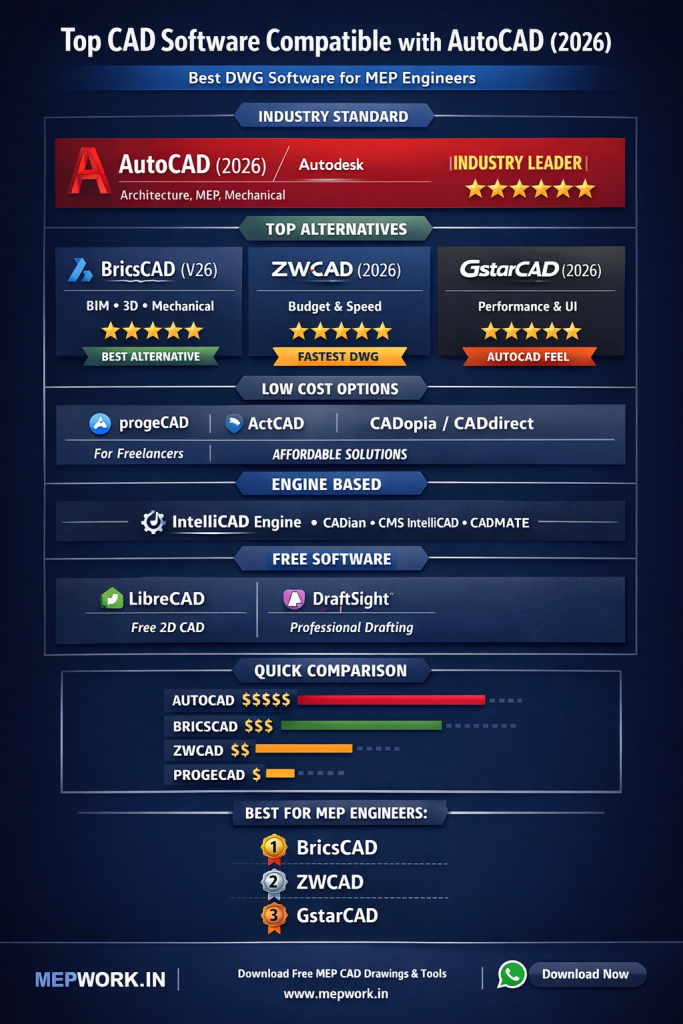
🏆 1. Autodesk (Industry Standard)
- AutoCAD (Latest 2026)
🔗 Official: https://www.autodesk.com/products/autocad - AutoCAD Architecture
🔗 Official: https://www.autodesk.com/products/autocad/included-toolsets - AutoCAD Mechanical
🔗 Official: https://www.autodesk.com
✅ Industry benchmark for DWG compatibility
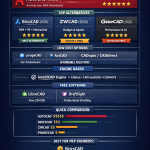
🚀 2. Top AutoCAD Alternatives (Latest Versions)
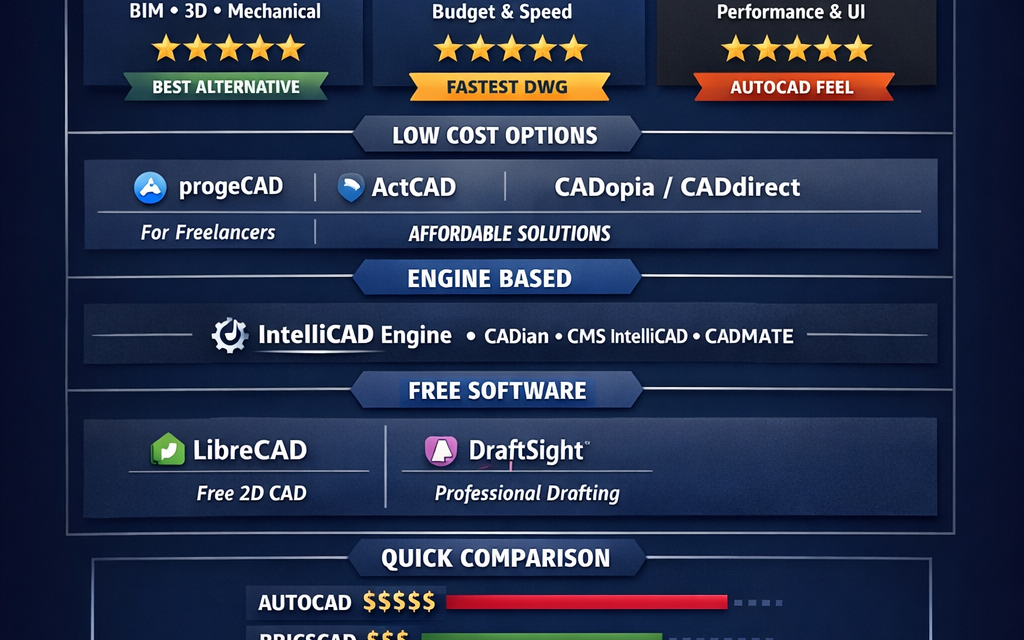
🔹 BricsCAD
- Latest Version: 2026 (V26)
- Official Website: https://www.bricsys.com
- Download: Download BricsCAD Free Trial
👉 Best for BIM + Mechanical + 3D modeling
🔹 ZWCAD
- Latest Version: ZWCAD 2026
- Official Website: https://www.zwsoft.com
- Download: Download ZWCAD 2026
👉 Fastest DWG performance (2D + 3D)
🔹 GstarCAD
- Latest Version: GstarCAD 2026
- Official Website: https://www.gstarcad.net
- Download: Download GstarCAD Free Trial
👉 Strong AutoCAD-like interface & performance
💰 3. Budget-Friendly CAD Software (DWG Compatible)
🔹 progeCAD
- Latest Version: 2026 compatible
- Official Website: https://www.progesoft.com
👉 Works with DWG files up to latest versions
🔹 ActCAD
- Latest Version: 2024–2025
- Official Website: https://www.actcad.com
🔹 CADopia
- Latest Version: 2024
- Official Website: https://www.cadopia.com
🔹 CADdirect
- Latest Version: 2025
- Official Website: https://www.caddirect.com
⚙️ 4. IntelliCAD-Based Platforms (Engine-Level Compatibility)
🔹 IntelliCAD
- Latest Version: 14.1 (2025)
- Official Website: https://www.intellicad.org
👉 Used by multiple CAD software worldwide
Includes:
- CMS IntelliCAD
- CADian
- CADMATE
- Intersoft IntelliCAD
👉 These provide AutoCAD-like UI + lower cost
🏗️ 5. Specialized CAD Software
🔹 ArCADia
🔹 ARES Commander
🔹 4M CAD
🧰 6. Free & Open Source CAD
🔹 LibreCAD
- Official Website: https://librecad.org
👉 Completely free 2D CAD tool
🔹 DraftSight
- Official Website: https://www.draftsight.com
👉 Professional DWG drafting solution
📊 Latest CAD Software Comparison (2026)
| Software | Latest Version | Best For | Website |
|---|---|---|---|
| AutoCAD | 2026 | Industry Standard | autodesk.com |
| BricsCAD | V26 (2026) | BIM + Mechanical | bricsys.com |
| ZWCAD | 2026 | Budget + Speed | zwsoft.com |
| GstarCAD | 2026 | Performance | gstarcad.net |
| progeCAD | 2026 | Freelancers | progesoft.com |
| IntelliCAD | 14.1 | CAD Engine | intellicad.org |
🎯 Final Recommendation for MEPWORK Audience
👉 Based on MEP engineers & construction users:
- Best Overall: BricsCAD
- Best Budget: ZWCAD
- Best Free: LibreCAD
- Best Alternative: GstarCAD
📢 Why Download from MEPWORK?
- Free DWG files
- Ready-to-use drawings
- Designed for engineers
- Updated as per industry standards
MEPWORK.IN is developed by an MEP engineering professional with hands-on experience in building services design and execution.
The platform is created to solve real-world engineering problems and provide practical tools for faster and more accurate project work.
Download free AutoCAD DWG files for MEP engineers including plumbing, HVAC, fire alarm, and electrical systems.
All drawings are ready to use and based on industry standards.
All resources are regularly updated as per latest standards (NBC 2016, IS Codes, NFPA, and 2026 industry practices).