


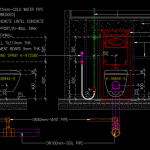
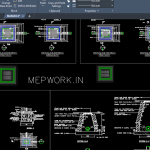

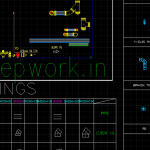





Download free split AC CAD block for AutoCAD. Includes plan, elevation, and 2D drawings of air conditioner units for HVAC design and MEP drawings.
Split AC CAD Block – Free Download
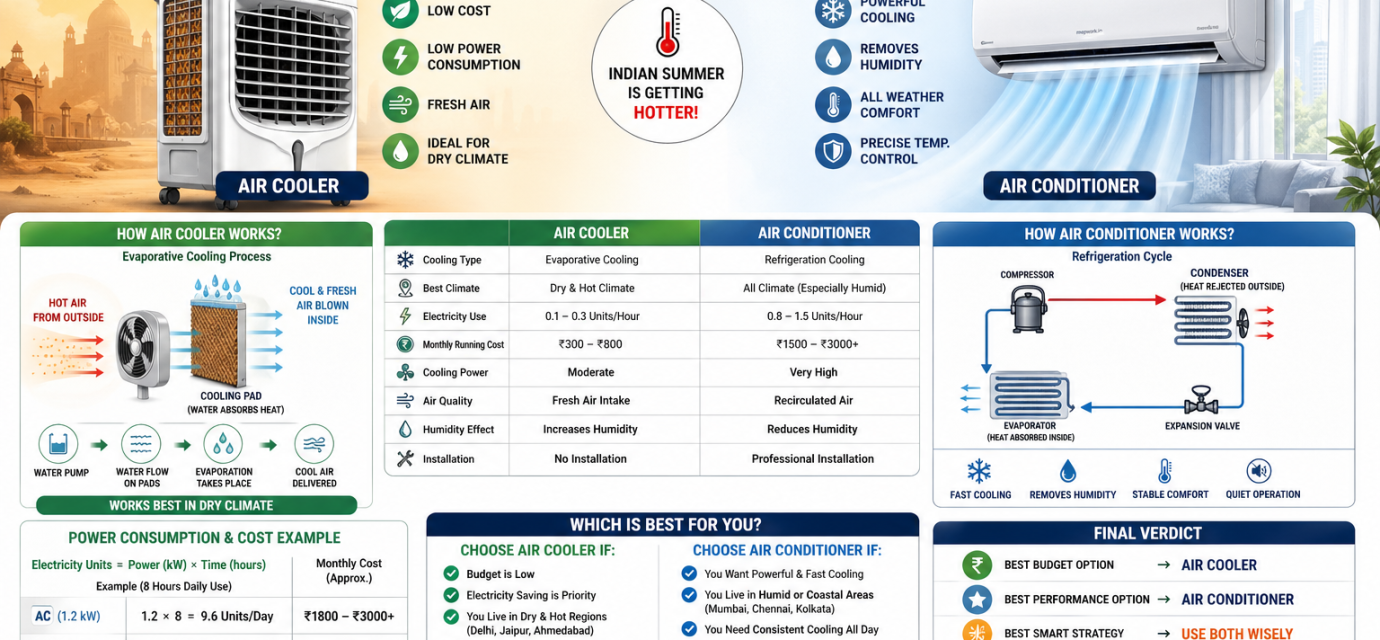
A Split AC CAD block is a pre-designed AutoCAD drawing used in HVAC and MEP layouts to represent air conditioning units in architectural and mechanical drawings.
HVAC engineers and designers commonly use AC CAD blocks to speed up drafting and maintain drawing accuracy.
These CAD blocks help in:
- HVAC layout drawings
- Mechanical equipment layouts
- Ceiling plan drawings
- Air conditioning system designs
With ready-to-use AutoCAD blocks, engineers can quickly insert AC units into building drawings without creating them from scratch.

What is a CAD Block?
A CAD block is a reusable AutoCAD object that represents equipment, fixtures, or components in a drawing.
Examples include:
- HVAC equipment
- Electrical symbols
- Plumbing fixtures
- Mechanical equipment
Using CAD blocks helps engineers maintain standardized drawings and faster design workflows.
Types of Air Conditioner CAD Blocks
Different air conditioning systems require different CAD blocks.
1. Split AC CAD Block
A split AC system consists of:
- Indoor unit
- Outdoor condenser unit
These blocks are used in residential and small commercial HVAC layouts.
2. Cassette AC CAD Block
Cassette AC units are ceiling-mounted air conditioners commonly used in:
- Offices
- Shopping malls
- Commercial buildings
Cassette CAD blocks show the air diffuser pattern and installation layout.
3. Ducted AC CAD Block
Ducted systems distribute conditioned air through ducts and diffusers.
These blocks include:
- Air handling unit (AHU)
- Duct connections
- Diffusers
Split AC CAD Block Dimensions
Typical split AC indoor unit sizes:
| Capacity | Width |
|---|---|
| 1 Ton | 800–900 mm |
| 1.5 Ton | 900–1000 mm |
| 2 Ton | 1000–1100 mm |
Outdoor units are generally placed on balconies or rooftops.
How to Use AC CAD Blocks in AutoCAD
Follow these steps to insert an AC CAD block:
- Open your AutoCAD drawing
- Use the INSERT command
- Select the DWG CAD block file
- Place the block at the desired location
You can scale and rotate the block according to the layout.
Download Split AC CAD Block (DWG)
You can download the Split AC CAD block used for HVAC drawings.
Includes:
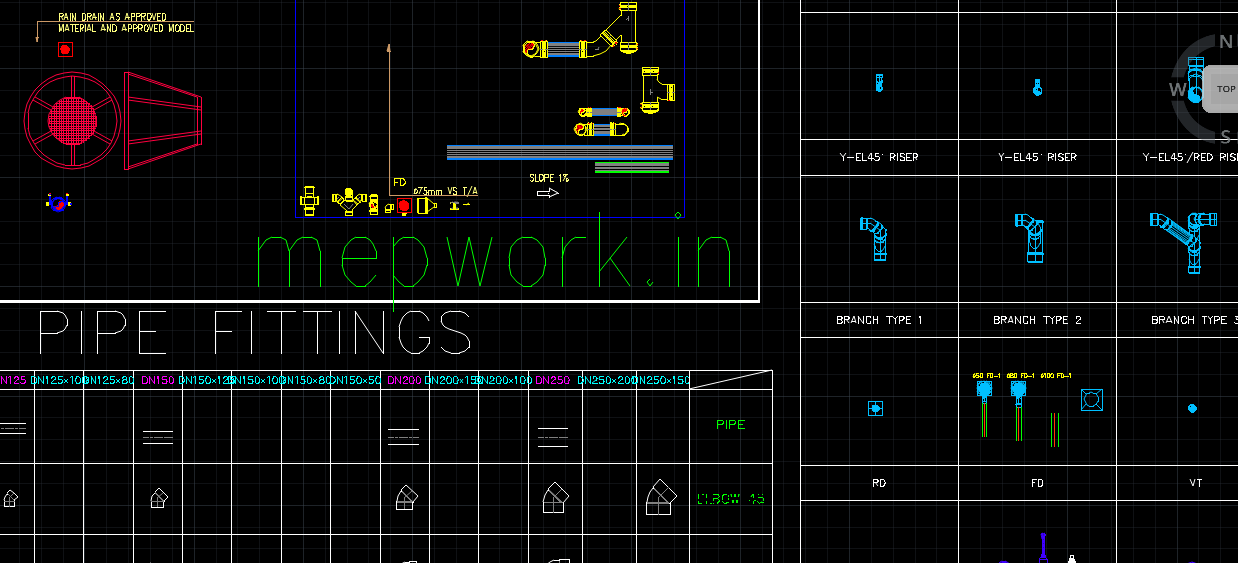
- Plan view
- Elevation view
- 2D AutoCAD DWG format
This CAD block is compatible with AutoCAD and other CAD software.
Benefits of Using HVAC CAD Blocks
Using HVAC CAD blocks offers several advantages:
- Saves drafting time
- Improves drawing accuracy
- Standardizes HVAC drawings
- Easy equipment placement

❄️Download Free AutoCAD Blocks for HVAC Systems Design dwg 195.44 KB 271 downloads
Download A Collection of AutoCAD Blocks and Details for HVAC Design. the greatest...📢 Why Download from MEPWORK?
- Free DWG files
- Ready-to-use drawings
- Designed for engineers
- Updated as per industry standards
MEPWORK.IN is developed by an MEP engineering professional with hands-on experience in building services design and execution.
The platform is created to solve real-world engineering problems and provide practical tools for faster and more accurate project work.
Download free AutoCAD DWG files for MEP engineers including plumbing, HVAC, fire alarm, and electrical systems.
All drawings are ready to use and based on industry standards.
All resources are regularly updated as per latest standards (NBC 2016, IS Codes, NFPA, and 2026 industry practices).